How can I restore a previous version?
The .jewel project files stores a baseline each time you save (or auto save; note that only the changes are saved to prevent too much overhead). The advantage of this approach is that you can always rollback to a previous saved baseline in the file.
To open a previous baseline, keep the SHIFT button pressed while opening a .jewel project file. Then you will see a dialog with all saved baselines within your project. Select the one you want to open.
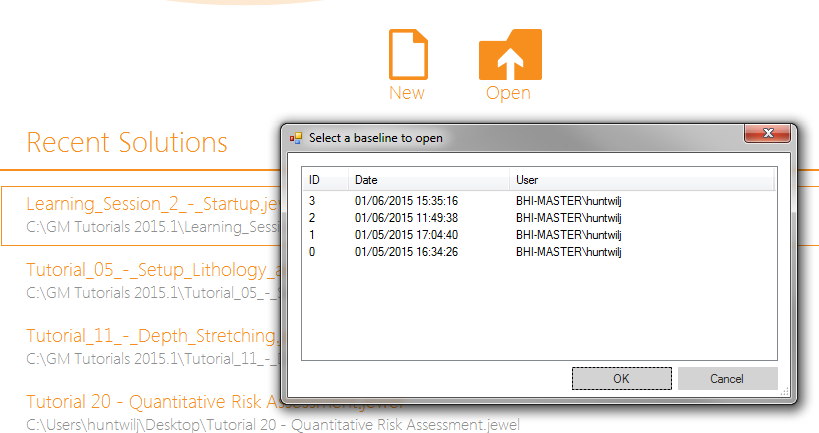
click to enlarge